

LaTeX on Fedora is easier to manage when the editor and the toolchain stay separate. Texmaker gives you syntax highlighting, PDF preview, forward and inverse search, and project management, while Fedora packages handle the TeX Live compiler stack underneath. That makes it straightforward to install Texmaker on Fedora with either DNF or Flathub, depending on whether you want native packaging or Flatpak isolation.
Texmaker installs cleanly on Fedora Workstation, and the package can also be installed from SSH or on Server and minimal images, but the application still needs an active graphical session to open. Texmaker also does not bundle the LaTeX compiler stack, so if you need to install LaTeX on Fedora you still need TeX Live packages such as texlive-scheme-basic or texlive-scheme-full.
Install Texmaker on Fedora
Two installation paths are available on Fedora. The DNF package is smaller and follows normal system updates. The Flathub build adds sandboxing, but the first download is much larger because it pulls the KDE runtime and a TeX Live Flatpak extension.
| Method | Source | Best for | Key command |
|---|---|---|---|
| DNF package | Fedora repositories | Smaller downloads and standard Fedora package management | sudo dnf install texmaker -y |
| Flatpak | Flathub | Sandboxing and keeping the app outside the RPM database | sudo flatpak install flathub net.xm1math.Texmaker -y |
Install Texmaker from Fedora repositories
The Fedora package is the fastest path when you want Texmaker managed with the rest of your system updates.
sudo dnf upgrade --refreshThese commands use
sudofor tasks that need root privileges. If your account is not in the sudoers file yet, follow the guide to add a user to sudoers on Fedora before continuing.
Install the package with DNF. The -y flag confirms the transaction automatically, so the command does not stop for another prompt.
sudo dnf install texmaker -yInstalled: texmaker-1:6.0.1-3.fc43.x86_64
Confirm that the RPM is present and that Texmaker can report its version without opening the graphical interface.
rpm -q texmaker && texmaker --versiontexmaker-6.0.1-3.fc43.x86_64 6.0.1 (compiled with Qt 6.10.0)
Texmaker is only the editor. To install LaTeX on Fedora, add TeX Live separately: texlive-scheme-basic covers standard documents, while texlive-scheme-full installs the full Fedora TeX Live set and pulls in latexmk through texlive-collection-binextra.
Install Texmaker from Flathub
Use the Flatpak build when you want sandboxing or you prefer to keep Texmaker outside DNF. Fedora Workstation includes Flatpak, but Flathub is still opt-in on a clean Fedora install.
Check the currently configured remotes first. If the output already shows flathub, you can skip the next command.
flatpak remotesfedora system,oci
Add Flathub at system scope so the install, update, and removal commands all use the same remote and permission model.
sudo flatpak remote-add --if-not-exists flathub https://dl.flathub.org/repo/flathub.flatpakrepoVerify that both the Fedora remote and Flathub are available before installing Texmaker.
flatpak remotesfedora system,oci flathub system
Install Texmaker from Flathub next. The first download is much larger than the DNF package because Flatpak also pulls the KDE runtime and a TeX Live extension.
sudo flatpak install flathub net.xm1math.Texmaker -yRequired runtime for net.xm1math.Texmaker/x86_64/stable found in remote flathub 1. org.freedesktop.Sdk.Extension.texlive 25.08 flathub < 2.5 GB 2. org.kde.KStyle.Adwaita 6.10 flathub < 8.6 MB 3. org.kde.Platform.Locale 6.10 flathub < 400.5 MB 4. org.kde.Platform 6.10 flathub < 386.9 MB 5. net.xm1math.Texmaker stable flathub < 189.0 MB
Check the installed Flatpak metadata after the download finishes so you can confirm the app ID, version, runtime, and installation scope.
flatpak info net.xm1math.Texmaker | grep -E '^(ID|Version|Installation|Runtime)'ID: net.xm1math.Texmaker Version: 6.0.1 Installation: system Runtime: org.kde.Platform/x86_64/6.10
Launch Texmaker on Fedora
After installation, launch Texmaker with the command that matches your package source, or open it from the desktop menu in Fedora GNOME.
Launch Texmaker from the terminal
The RPM package installs the texmaker command directly on your PATH.
texmakerIf you used the Flathub build, start the sandboxed application with its Flatpak app ID instead.
flatpak run net.xm1math.TexmakerOpen Texmaker from Activities
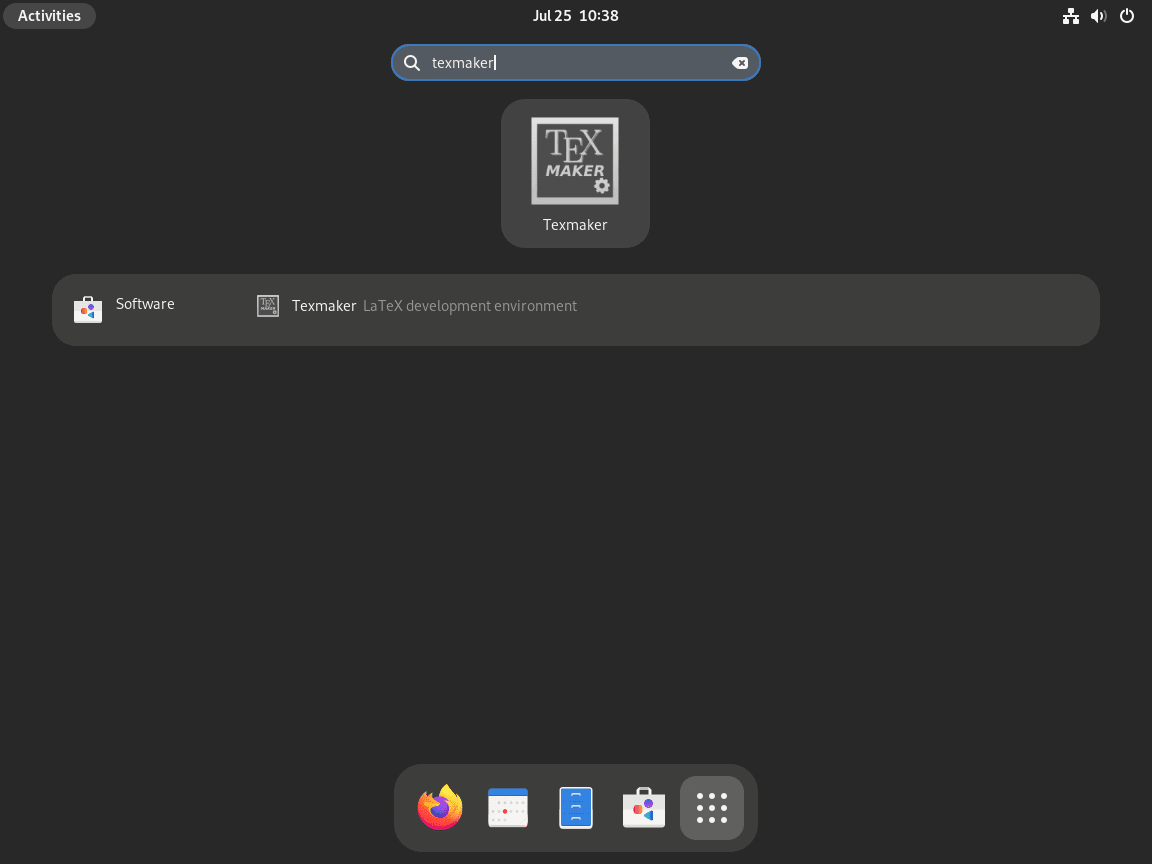
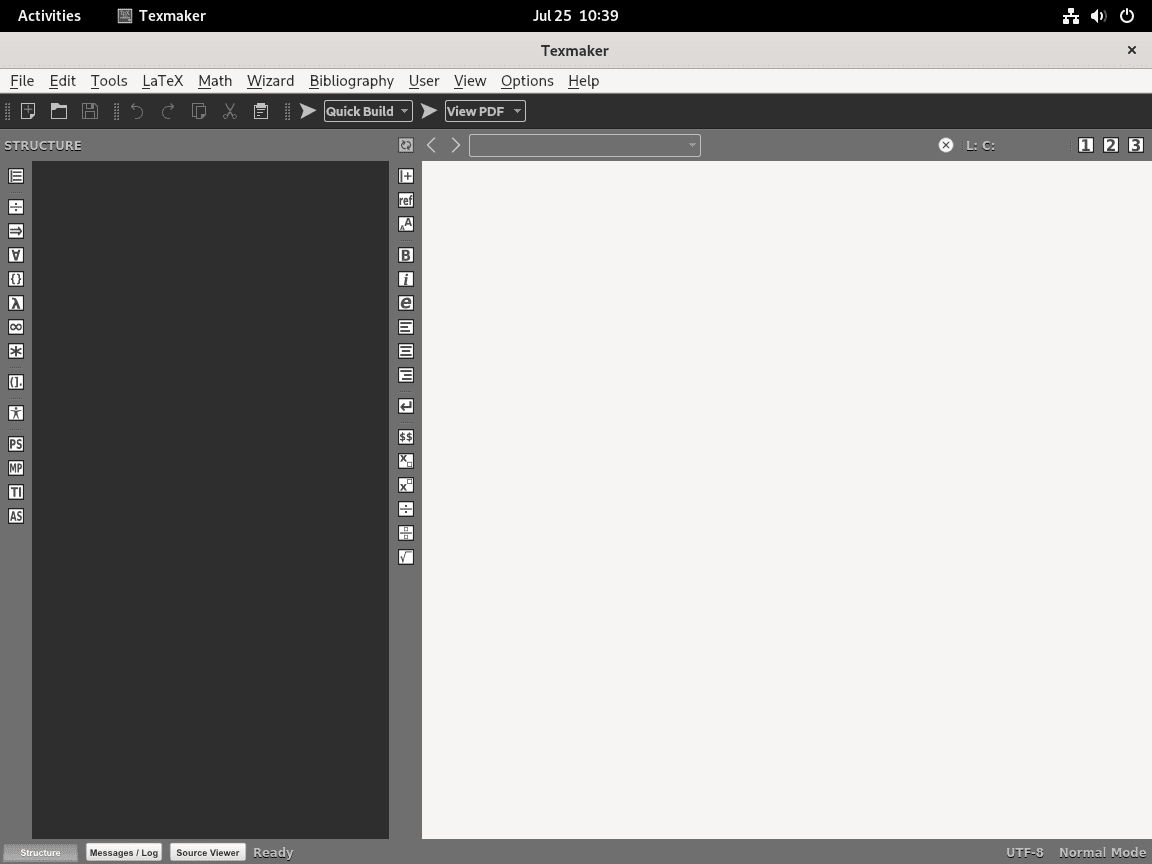
In Fedora GNOME, open Activities and search for Texmaker, then launch the desktop entry from the results.
Update or remove Texmaker on Fedora
Use the update and removal command that matches the way you installed Texmaker.
Update Texmaker on Fedora
Update the DNF package
Refresh the package metadata and upgrade just the Texmaker RPM.
sudo dnf upgrade --refresh texmaker -yPackage Arch Version Repository Size Upgrading: texmaker x86_64 1:6.0.1-3.fc43 updates 10.3 MB
Update the Flatpak build
Update the system-scoped Flatpak with sudo so the command matches the way Flathub was added earlier.
sudo flatpak update net.xm1math.Texmaker -yLooking for updates... Nothing to do.
Remove Texmaker from Fedora
Remove the DNF package
Remove the RPM when you no longer need the Fedora package.
sudo dnf remove texmaker -yFedora removes unused dependencies during dnf remove by default, so you do not need a separate dnf autoremove step here.
Verify that the RPM is gone after the transaction completes.
rpm -q texmakerpackage texmaker is not installed
Remove the Flatpak build
Use Flatpak’s delete-data option when you want to remove the app and any sandbox data it created for your user profile.
This command permanently removes the Flatpak package and its Texmaker data. Export any custom templates or project-specific settings first if you want to keep them.
sudo flatpak uninstall --delete-data net.xm1math.Texmaker -yConfirm that the Flatpak app list no longer contains Texmaker.
flatpak list --app | grep -F net.xm1math.Texmaker || echo 'Texmaker Flatpak not installed'Texmaker Flatpak not installed
Troubleshoot Texmaker on Fedora
Fix missing LaTeX tools such as pdflatex or latexmk
If Texmaker reports errors such as pdflatex not found or the spawn latexmk ENOENT message, the editor is installed but the LaTeX backend is still missing.
recipe terminated with fatal error: spawn latexmk enoent
pdflatex not found
Check whether TeX Live and latexmk are already installed.
rpm -q texlive-scheme-basic latexmkpackage texlive-scheme-basic is not installed package latexmk is not installed
Install the smaller TeX Live scheme plus latexmk when you only need standard LaTeX workflows. If you want the full Fedora TeX Live collection instead, replace this with sudo dnf install texlive-scheme-full -y.
sudo dnf install texlive-scheme-basic latexmk -yUse the which command to confirm both binaries are now on your PATH.
which pdflatex && which latexmk/usr/bin/pdflatex /usr/bin/latexmk
Allow the Flatpak Texmaker build to open files outside Documents
The Flathub build does not start with full host filesystem access. By default it can use your Documents folder, but external drives and arbitrary system paths stay outside the sandbox.
Inspect the current Flatpak permissions first so you can see what the app already has.
flatpak info --show-permissions net.xm1math.Texmaker | grep '^filesystems='filesystems=xdg-documents;xdg-config/kdeglobals:ro;
Add a user-scoped override only if you need broader file access. The --user flag is intentional here because Flatpak stores permission overrides per user, even when the application itself is installed system-wide.
flatpak override --user --filesystem=host net.xm1math.TexmakerRestart Texmaker after the override, then try opening the project or external drive path that was previously blocked.
Texmaker on Fedora FAQ
Use the DNF package when you want a smaller download and normal Fedora package updates. Choose the Flatpak build when you prefer sandboxing and do not mind the much larger first install that pulls the KDE runtime and a TeX Live extension from Flathub.
No. Texmaker is only the editor. Add texlive-scheme-basic for a smaller LaTeX toolchain, or use texlive-scheme-full for the entire Fedora TeX Live collection. If your workflow depends on latexmk, either install the standalone latexmk package or use texlive-scheme-full, which pulls it in through texlive-collection-binextra.
That error means the latexmk helper is missing from your PATH. Install it with sudo dnf install latexmk -y, or install texlive-scheme-full if you want the complete TeX Live stack and its extra tooling in one step.
Conclusion
Texmaker is ready on Fedora with a package path that matches how you want to manage desktop apps, and the TeX Live notes above cover the compiler pieces the editor still depends on. If you keep LaTeX projects under version control, install Git on Fedora next. For faster system updates, increase DNF speed on Fedora.

Formatting tips for your comment
You can use basic HTML to format your comment. Useful tags currently allowed:
<code>command</code>command<strong>bold</strong><em>italic</em><blockquote>quote</blockquote>