
Fast local playback, direct URL support, and keyboard-first control are where mpv feels lighter than bigger desktop players. You can install mpv media player on Ubuntu with the default repository package or the Flathub build, and both methods work on Ubuntu 26.04, 24.04, and 22.04. Most readers do not need a separate download, because Ubuntu already packages mpv and Flathub carries the newer sandboxed release.
The package installs cleanly from a terminal or over SSH, but the player window still needs a graphical desktop session. APT is the simplest path for Ubuntu integration, while Flatpak is the easier way to keep the newer mpv build separate from the base system.
Install mpv media player on Ubuntu
Ubuntu’s repository package favors system integration, while Flathub favors release freshness and sandboxing.
| Method | Channel | Version | Updates | Best For |
|---|---|---|---|---|
| APT | Ubuntu Universe | Distribution default | Standard APT updates | Most users, native Ubuntu integration |
| Flatpak | Flathub | Latest stable | Flatpak app updates | Newer release, sandboxed install, same build across supported LTS releases |
Ubuntu’s repository version changes by release, while Flatpak stays on the same upstream branch across the supported Ubuntu LTS set.
| Ubuntu Release | APT Version | APT Position |
|---|---|---|
| 26.04 LTS (Resolute) | 0.41.x | Newest distro package |
| 24.04 LTS (Noble) | 0.37.x | Current stable native package |
| 22.04 LTS (Jammy) | 0.34.x | Oldest supported LTS package |
Verified APT candidates are 0.41.0-2ubuntu4 on Ubuntu 26.04, 0.37.0-1ubuntu4 on Ubuntu 24.04, and 0.34.1-1ubuntu3 on Ubuntu 22.04.
Install mpv from Ubuntu’s repositories
APT is the cleanest option when you want mpv managed alongside the rest of your Ubuntu packages. The package lives in Universe, so trimmed images may need you to enable Universe and Multiverse on Ubuntu first, though only Universe is required for mpv itself.
Refresh package metadata before installing mpv.
sudo apt updateThese commands use
sudofor package-management tasks. If your account does not have administrator access yet, add a user to sudoers on Ubuntu first.
Install the package with APT. The -y flag accepts APT’s confirmation prompt automatically.
sudo apt install mpv -yConfirm that APT installed mpv from the Ubuntu archive. Your mirror hostname can differ, but the installed and candidate versions should match.
apt-cache policy mpvmpv:
Installed: 0.41.0-2ubuntu4
Candidate: 0.41.0-2ubuntu4
Version table:
*** 0.41.0-2ubuntu4 500
500 http://au.archive.ubuntu.com/ubuntu resolute/universe amd64 Packages
100 /var/lib/dpkg/status
On the other supported LTS releases, the same command installs 0.37.0-1ubuntu4 on Ubuntu 24.04 and 0.34.1-1ubuntu3 on Ubuntu 22.04.
The native binary also answers version checks cleanly from a terminal.
mpv --version | head -n 1mpv v0.41.0 Copyright © 2000-2025 mpv/MPlayer/mplayer2 projects
Install mpv with Flatpak and Flathub
Flatpak is the better fit when you want the current upstream branch and the same app version across all supported Ubuntu LTS releases.
Ubuntu does not install Flatpak by default. If the
flatpakcommand is missing, install Flatpak on Ubuntu first, then return here to add Flathub and mpv.
Add Flathub as a system remote. The --if-not-exists flag makes the command safe to rerun.
sudo flatpak remote-add --if-not-exists flathub https://dl.flathub.org/repo/flathub.flatpakrepoConfirm that the remote exists before installing mpv.
flatpak remotesflathub system
Install mpv from Flathub. The -y flag answers Flatpak’s confirmation prompt automatically.
sudo flatpak install flathub io.mpv.Mpv -yVerify the installed app metadata with flatpak info.
flatpak info io.mpv.Mpvmpv - A free, open source, and cross-platform media player
ID: io.mpv.Mpv
Ref: app/io.mpv.Mpv/x86_64/stable
Arch: x86_64
Branch: stable
Version: v0.41.0
License: GPL-2.0+ AND LGPL-2.0-or-later
Origin: flathub
Flathub currently resolves to v0.41.0 on Ubuntu 26.04, 24.04, and 22.04.
Launch and use mpv on Ubuntu
Once mpv is installed, you can start it from Ubuntu’s applications menu or call it directly from the terminal.
Open mpv from Ubuntu’s applications menu
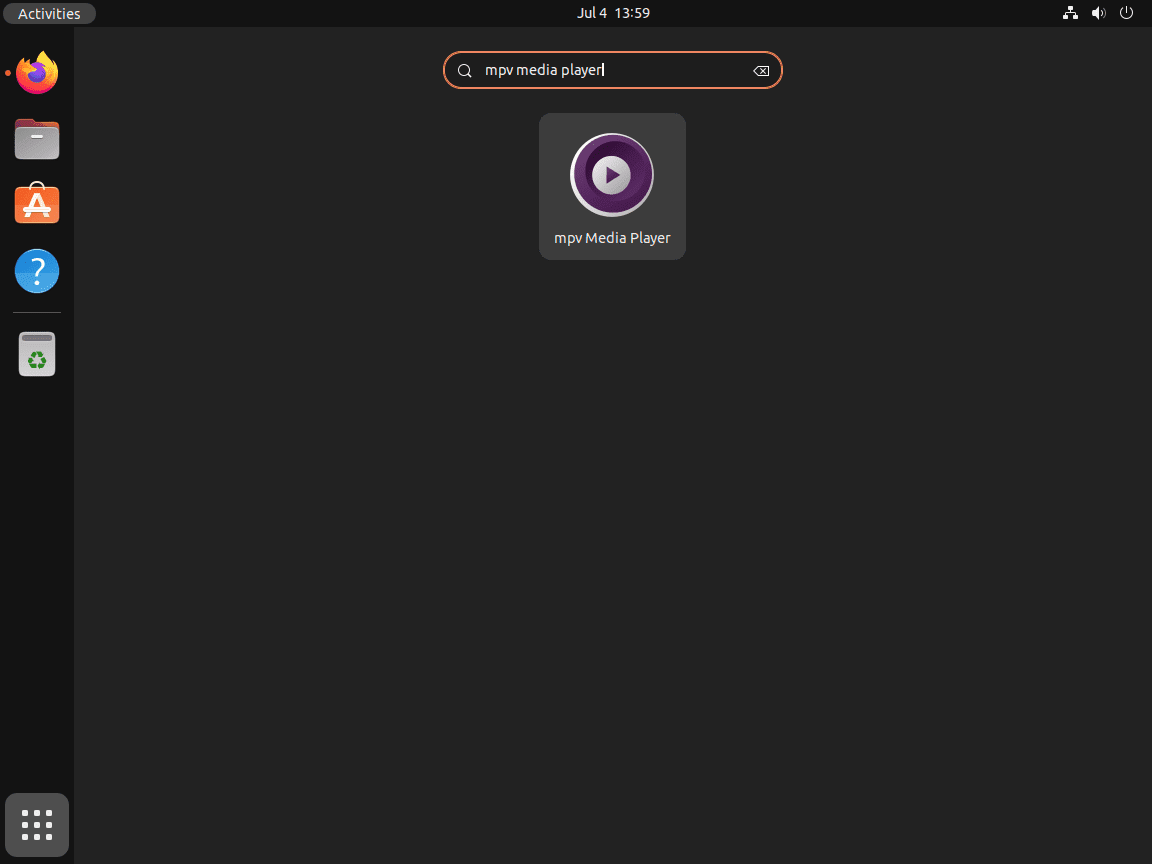
Open Activities > Show Applications > MPV on Ubuntu desktop. If you installed the package from a remote shell, switch back to a local graphical session before launching the player window.
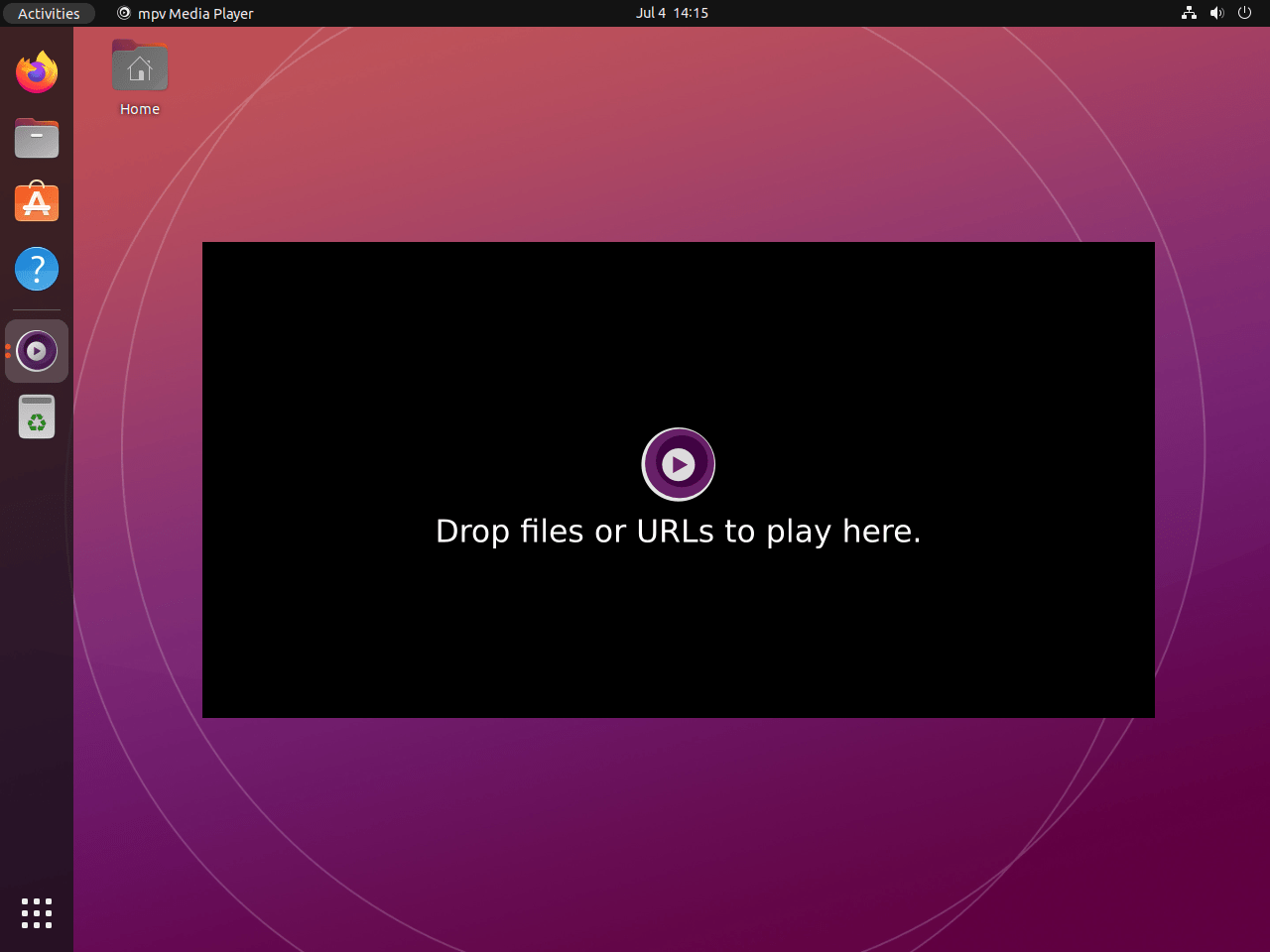
The desktop launcher opens a normal player window even before you pass a file, so it behaves more like a desktop application than a terminal session.
Play files and URLs with mpv from the terminal
The native package installs the mpv command, so local files and supported URLs use the same basic syntax.
mpv ~/Videos/example.mp4For the Flatpak build, launch the sandboxed app with its application ID instead.
flatpak run io.mpv.Mpv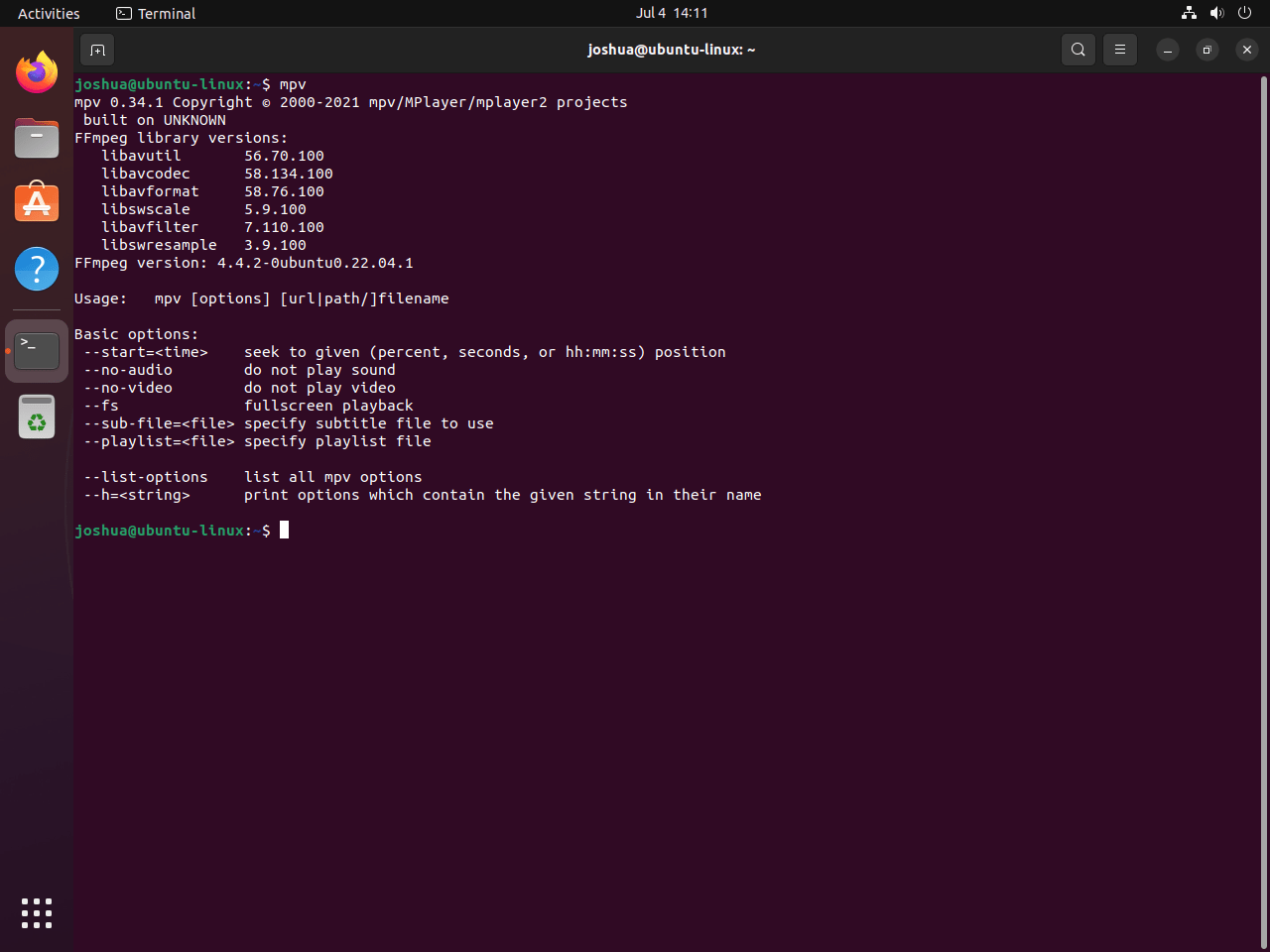
The official mpv manual documents the full option set and default keyboard shortcuts.
Create an mpv.conf file on Ubuntu
Ubuntu’s native package creates ~/.config/mpv/ on supported LTS releases. Run mkdir -p anyway if you want to make sure the directory exists before writing your own config file.
mkdir -p ~/.config/mpvThis starter configuration resumes playback positions and enables hardware decoding when your graphics stack supports it.
printf '%s\n' 'save-position-on-quit=yes' 'hwdec=auto' > ~/.config/mpv/mpv.confConfirm the saved file contents.
cat ~/.config/mpv/mpv.confsave-position-on-quit=yes hwdec=auto
Use ~/.config/mpv/mpv.conf for the native package. The Flathub build keeps the equivalent file under ~/.var/app/io.mpv.Mpv/config/mpv/mpv.conf.
Update or remove mpv on Ubuntu
Use the same package manager you installed from, then verify the result with APT or Flatpak instead of relying on launch errors.
Update mpv from Ubuntu’s repositories
Use APT’s single-package upgrade path when mpv came from Ubuntu’s repositories.
sudo apt install --only-upgrade mpv -yUpdate mpv from Flathub
Use the app-specific Flatpak update command when you installed io.mpv.Mpv from Flathub.
sudo flatpak update io.mpv.Mpv -yRemove APT-installed mpv
Remove the native package first, then confirm that APT no longer shows it as installed.
sudo apt remove mpv -y && sudo apt autoremove -yVerify the post-removal package state.
apt-cache policy mpvmpv:
Installed: (none)
Candidate: 0.41.0-2ubuntu4
Version table:
0.41.0-2ubuntu4 500
The remaining candidate line is normal because the package is still available from Ubuntu’s repositories. Only the installed state changed.
Remove Flatpak-installed mpv
Remove the Flathub build and ask Flatpak to delete its app data at the same time.
sudo flatpak remove --delete-data io.mpv.Mpv -yCheck that the app no longer appears in the installed Flatpak list.
flatpak list --app | grep -F io.mpv.Mpv || echo "not installed"not installed
These commands do not touch your media files. User settings can remain in
~/.config/mpv/for the native package and~/.var/app/io.mpv.Mpv/for the Flatpak build, so remove those directories only when you want a full reset.
mpv media player on Ubuntu FAQ
Ubuntu 26.04 installs 0.41.0-2ubuntu4, Ubuntu 24.04 installs 0.37.0-1ubuntu4, and Ubuntu 22.04 installs 0.34.1-1ubuntu3 from the default repositories. Flathub installs v0.41.0 on all three supported LTS releases, so it is the easier choice when you want the same newer build everywhere.
Use APT when you want the cleanest Ubuntu integration and the least extra packaging overhead. Use Flatpak when you want the current mpv release from Flathub, the same app version on Ubuntu 26.04, 24.04, and 22.04, or a sandboxed install that stays separate from the system package set.
Yes. The native package installs the mpv command, so mpv /path/to/file.mp4 works directly from a terminal. If you installed the Flathub build instead, launch it with flatpak run io.mpv.Mpv.
The native package uses ~/.config/mpv/mpv.conf. The Flathub build keeps its sandboxed configuration under ~/.var/app/io.mpv.Mpv/config/mpv/mpv.conf, which is also where its scripts directory lives.
No Ubuntu-specific first-party .deb is published by the mpv project. The installation page points Linux users to source builds and third-party package channels instead, so the simplest maintained choices on Ubuntu are the distro package from APT or the Flathub build used here.
Conclusion
mpv media player is installed on Ubuntu and ready for local files, direct URLs, and keyboard-driven playback. If you want a GTK front end built on the same playback engine, install Celluloid on Ubuntu. If you would rather use a broader all-purpose desktop player, install VLC media player on Ubuntu.

Formatting tips for your comment
You can use basic HTML to format your comment. Useful tags currently allowed:
<code>command</code>command<strong>bold</strong><em>italic</em><blockquote>quote</blockquote>